Introduction
Visual Studio Code (VS Code) remains the leading code editor for developers, thanks to its rich ecosystem of powerful extensions. In 2025, boosting your workflow is all about leveraging the right tools—especially as projects grow in complexity and collaboration becomes essential. Here are the ten must-have VS Code extensions for maximum coding efficiency in 2025.
Visual Studio Code extensions have become an essential part of every developer’s toolkit, enabling smoother, faster, and more intelligent coding. In 2025, as software development continues to evolve with more complex architectures, remote collaboration, and automation, having the right VS Code extensions can make all the difference in your productivity.
Whether you’re working with front-end frameworks, managing APIs, debugging backend logic, or automating repetitive tasks, VS Code extensions help streamline your workflow, minimize distractions, and supercharge your coding experience.
In this article, we’ll explore the top 10 must-have VS Code extensions for developers in 2025—handpicked to enhance efficiency, improve code quality, and support modern development practices. From AI-powered suggestions to seamless Git integrations, these tools are more than just add-ons—they’re productivity game-changers.
Let’s dive in and upgrade your development environment one extension at a time! 💻⚡
Top 10 VS Code Extensions for Efficient Coding
1. GitHub Copilot
An advanced AI coding assistant, Copilot suggests entire lines or blocks of code as you type, adapts to your style, and offers integrated chat-based code improvement within VS Code. Great for prototyping and reducing repetitive code writing.You can Get it here.

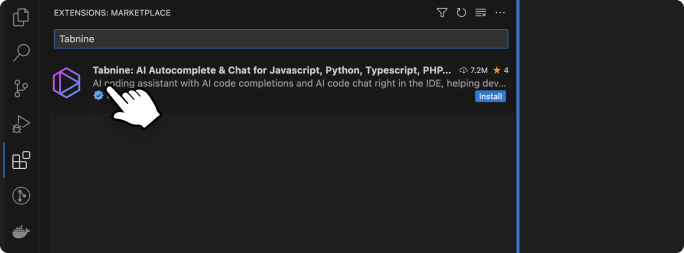
2. Tabnine
Another top AI-powered code completion extension, Tabnine supports dozens of languages, learns from your personal coding patterns, and delivers intelligent, context-aware suggestions while respecting privacy. Runs locally or via cloud.You can Get it here
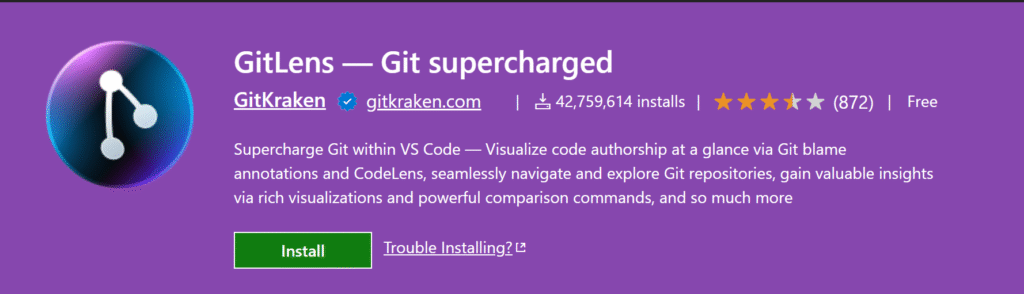
3. GitLens
Take your Git workflow to the next level with GitLens, which brings rich inline blame, history insights, powerful repository navigation, and advanced code comparison—all directly within the editor.You can Get it here
4. Prettier
Maintain clean, consistently formatted code across teams with Prettier. This code formatter works for JavaScript, TypeScript, CSS, and more. Set it to format on save and never worry about stylistic debates again.You can Get it here

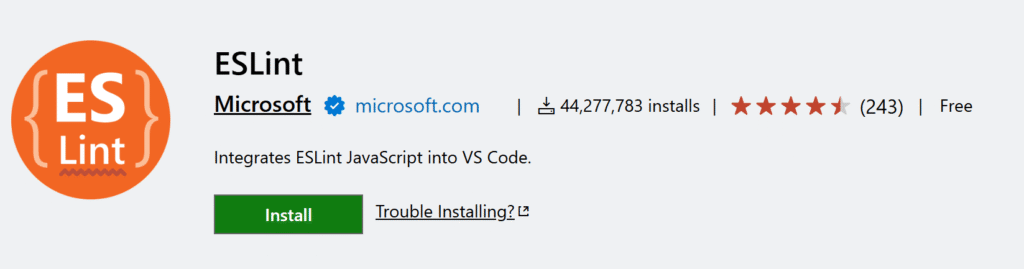
5. ESLint
Catch bugs and enforce best practices in JavaScript and TypeScript projects. ESLint integrates with VS Code to highlight errors, enforce team coding styles, and offer auto-fixes for many common issues as you code.You can Get it here
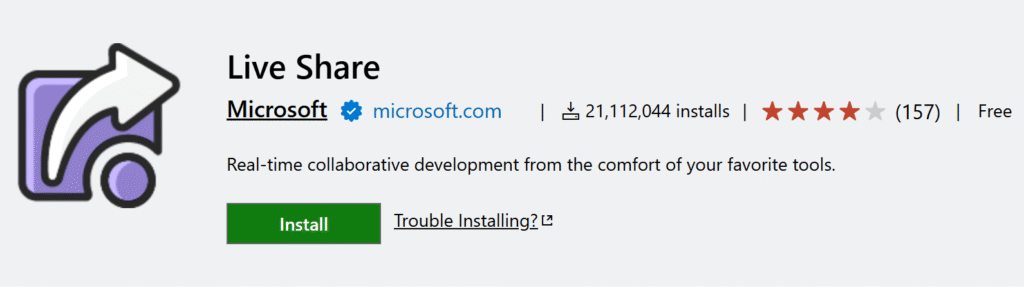
6. Live Share
Collaborate in real time—even for remote teams! Live Share lets you share your coding session, co-edit files, debug together, and even jointly control the terminal or servers without extra setup. Visual Studio Live Share enables you to collaboratively edit and debug with others in real time, regardless what programming languages you’re using or app types you’re building. It allows you to instantly (and securely) share your current project, and then as needed, share debugging sessions, terminal instances, localhost web apps, and more! Developers that join your sessions receive all of their editor context from your environment (e.g. language services, debugging), which ensures they can start productively collaborating immediately, without needing to clone any repos or install any SDKs. You can Get it here.
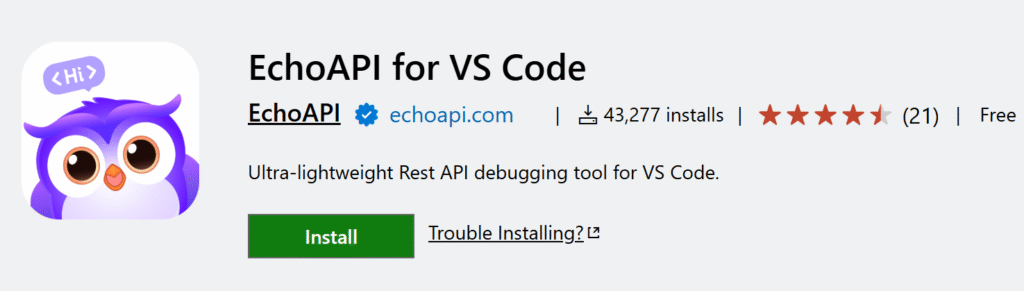
7. EchoAPI for VSCode / REST Client
Effortlessly test REST APIs and debug endpoints within your editor using EchoAPI or REST Client. These lightweight tools let you make requests, preview responses, and document APIs without leaving VS Code.EchoAPI for VS Code and REST Client for VS Code are both extensions designed to facilitate the testing and interaction with REST APIs directly within the Visual Studio Code environment. They serve as alternatives to standalone API clients like Postman. You can Get it here.
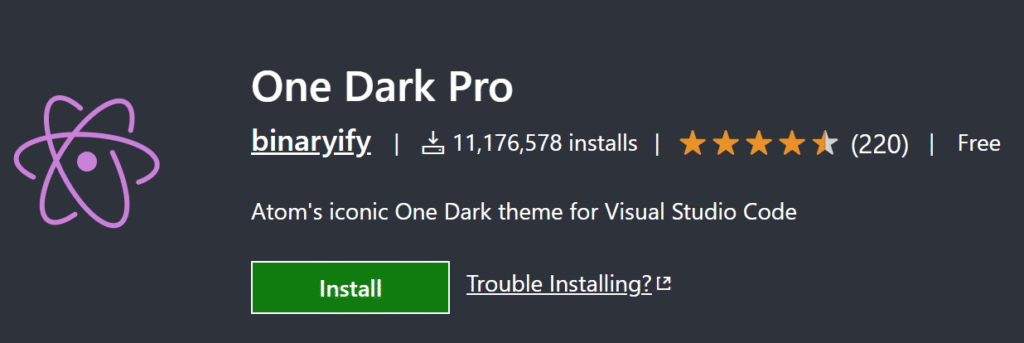
8. One Dark Pro (Theme)
This visually appealing dark theme is a developer favorite for its comfort and clarity during long coding sessions. One Dark Pro helps reduce eye strain and makes syntax easy to parse, improving focus and productivity.You can Get it here
9. Path Intellisense
Eliminate file path typos and speed up file imports with auto-suggestions for file and directory names as you type in your projects. Saves hours in navigating large codebases. Path Intellisense in VS Code refers to the functionality that provides automatic completion and suggestions for file and folder paths as you type. While VS Code offers some built-in IntelliSense features, dedicated extensions enhance path completion significantly. You can Get it here.

10. Quokka.js
Instantly see results and runtime values for JavaScript and TypeScript code inside your editor as you type—great for quick prototyping and debugging. Quokka.js is a developer productivity tool that provides a rapid prototyping playground for JavaScript and TypeScript directly within your editor, including Visual Studio Code. It allows you to see the output of your code in real-time as you type, with runtime values and console logs displayed inline next to your code You can Get it here

Bonus Picks for Specialization
-
Pylance & Python: If you work with Python, Pylance and the official Python extension are essential for rich IntelliSense, fast type checking, and smooth debugging7.
-
Stylelint: For web developers, Stylelint enforces CSS best practices and prevents annoying layout bugs before they go live1.
Conclusion
Choosing the right VS Code extensions is crucial for efficient, enjoyable, and productive coding in 2025. Start with these top picks and transform your workflow—then experiment to find your own perfect setup!. In 2025, coding is not just about writing code—it’s about writing smarter, faster, and cleaner code. And your editor, especially one as powerful as Visual Studio Code, plays a huge role in that. With the right set of extensions, you can transform your editor into a personalized development powerhouse tailored exactly to your workflow.
Whether you’re debugging JavaScript, building APIs, designing UI components, or deploying code to the cloud, there’s an extension to make it easier and more efficient. The extensions we’ve covered are not just popular—they’re proven to boost productivity, reduce repetitive tasks, and enhance code quality.
Which extension do you rely on most? Share your favorites and coding tips in the comments below!
If you found this guide helpful, follow Logic Lense for more career-boosting tech content, coding tips, and interview prep resources. Got questions or thoughts? Leave a comment below — we’d love to hear from you!
🔗 Let’s Connect & Learn Together!
I hope this curated list of GitHub repositories helps you grow in your developer journey in 2025 and beyond. I regularly share coding resources, learning roadmaps, project ideas, and career tips across multiple platforms. If you found this helpful, consider following me and joining the Logic Lense community!
📸 Instagram – @logiclense
🎬 YouTube – Logic Lense
🐦 Twitter/X – @logiclense
👔 LinkedIn – Connect with me
🌐 Website – www.logiclense.com
Let’s code, grow, and innovate — together. 💡💻✨